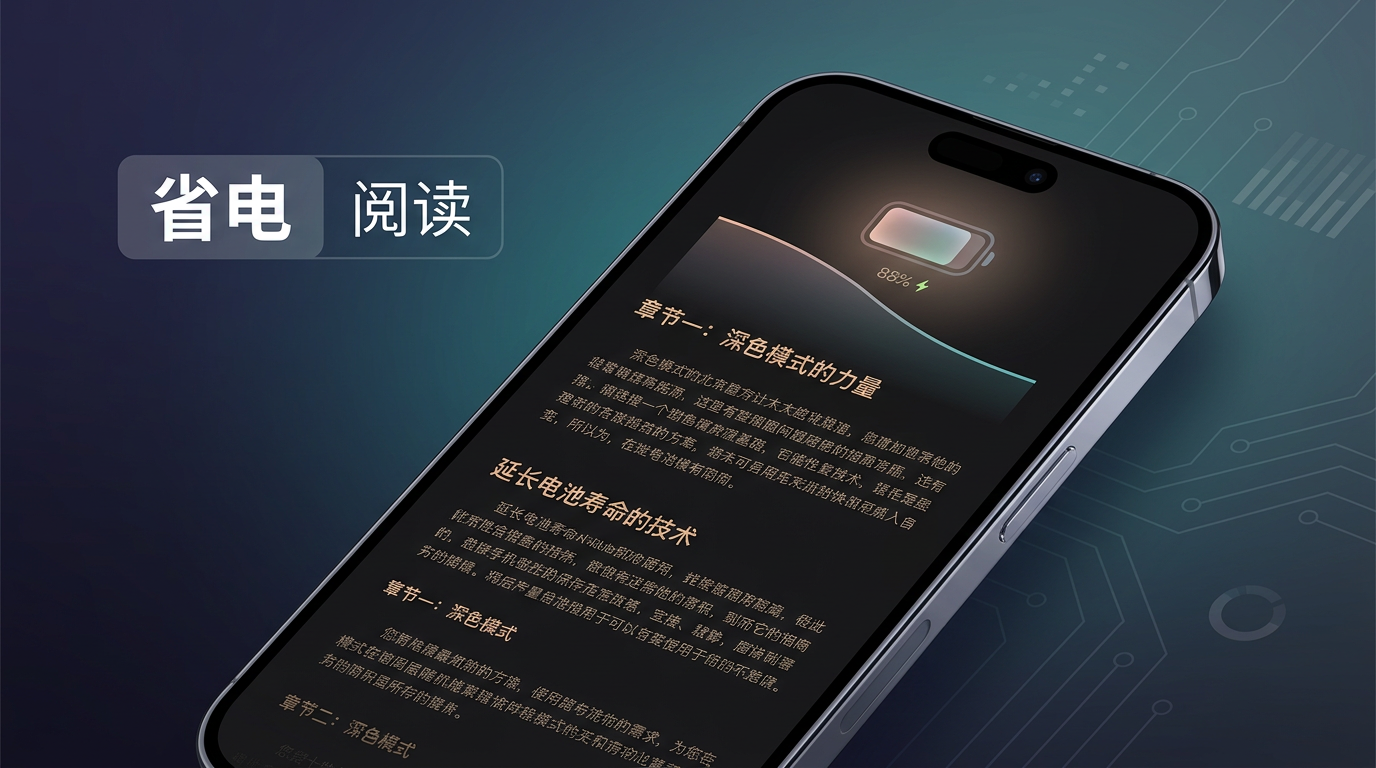
Building An Android Reader With Battery Life First
Building An Android Reader With Battery Life First
When building a novel or ebook reader on Android, if battery life is the top requirement, the discussion cannot stop at “which cross-platform framework should we use.” Battery life is mainly about controlling display, CPU, network, and background activity, while avoiding meaningless wakeups and redraws.
Where The Power Goes
- Display: Backlight or pixels usually dominate energy use in reading scenarios, especially large bright areas on OLED screens.
- CPU: Heavy layout, frequent animation, rendering a huge text block all at once, or retry loops caused by main-thread stalls can keep CPU usage high.
- Network and background work: Long connections, frequent sync, improper wake locks, or ignoring Android’s battery saver and Doze policies can make a “quiet reading” app drain power.
So the engineering design has to cover both display strategy and client architecture.
Technical Points Closely Related To Power
Display And Interaction
- OLED devices: Offer true black backgrounds, comfortable line spacing, and suitable font sizes, so users can reduce the brightness of the reading area. This often saves more power than a bright full-screen design, though exact behavior depends on device and system policy.
- Keep reading pages mostly static: Avoid unnecessary animations and continuous gradients. Page turning only needs a simple transition.
- Keep screen on: Only enable it when the user explicitly asks for it. Otherwise follow system sleep behavior to avoid meaningless long screen-on time.
Rendering And Data Shape
- Long text: Use pagination or screen-sized segmented loading. Do not push an entire book into one giant view, which increases measurement and full relayout cost.
- Lists: Use
RecyclerViewor equivalent list virtualization for chapter lists and bookmarks. Do not create thousands of child views for one screen. - Format choice: Plain text and reflowable formats such as EPUB are usually easier to keep CPU-flat than continuous heavy PDF raster or vector rendering. If the product allows it, prefer the reflowable path.
Framework Choice
- Native Kotlin + View / Jetpack Compose: Usually gives better control over measurement, redraw, and list recycling. This is suitable when the team wants to keep tuning battery usage and first-screen latency.
- Flutter / React Native and other cross-platform stacks: The key is to avoid frequent rebuilds, huge diffs, and non-virtualized long lists. The main text area should remain stable.
- WebView for full-page text: Easy to implement for simple layout, but complex CSS/JS and frequent reflow may increase CPU usage. If using a web approach, keep the page and dependencies minimal.
Architecture And Network
- Offline and cache first: Reading should not depend on real-time network access. Sync should use system schedulers such as WorkManager, with batching and deferrable execution.
- Avoid unnecessary resident background work and wakeups. Do not use long foreground services unless the product truly needs them.
- Cover images: Use appropriate resolution and caching. Keep the main body mostly text.
Measure It
Build a baseline for “30 minutes or 1 hour of continuous reading.” Use Android’s battery ranking, Android Profiler, Battery Historian, or similar tools to inspect display share, wakeups, mobile network, and CPU activity. Battery optimization is especially dangerous when it relies only on subjective feel.
Can Open-Source Readers Directly Meet A Battery-First Requirement?
It depends on the product level. They are very useful references, but few can be adopted unchanged and perfectly match a commercial product’s battery KPIs.
- If the goal is personal use or a small team, and AGPL/GPL licensing constraints are acceptable, mature readers on F-Droid and similar channels are strong references. They often have good offline behavior, format support, and reading experience, and are usually better than a casual demo in avoiding unnecessary wakeups and background work.
- If the goal is a closed-source commercial product with custom book sources, accounts, compliance, or anti-abuse requirements, a more realistic approach is self-built reading pipeline plus selective reference. Always review licenses carefully, especially AGPL, which may affect network services and distribution.
| Direction | Project | Notes |
|---|---|---|
| General ebooks, E-Ink, offline reading | KOReader | Feature-rich, large E-Ink user base; AGPL-3.0, so commercial redistribution needs care. |
| Configurable, common on F-Droid | Librera Reader | Multi-format reader; commonly GPL-3.0, check the repository. |
| Newer cross-platform reader | Readest | Multi-format, modern toolchain; AGPL-3.0. |
| Long-running multi-platform reader | FBReader | Useful reference for formats and engineering structure. |
| Chinese web-novel and source-rule ecosystem | Legado | Closer to web-novel aggregation and rule-based sources; commonly GPL-3.0, check the repository. |
You can also check F-Droid’s ebook reader category to verify whether an app is truly FOSS.
How they match a battery-first requirement:
- Aligned: Offline-first behavior, little background work, simple reading pages, dark mode, and brightness-friendly options. Most serious open-source readers follow the same broad direction.
- Hard to promise directly: Team-specific battery metrics, account systems, encrypted content, custom book sources, anti-crawling, and compliance requirements. These usually require self-development or a heavily customized fork.
- License: AGPL often requires derivative works to open source even in network-service scenarios, which can conflict with closed commercial apps. GPL also needs careful assessment. If an open-source project becomes the base, align product, engineering, and legal strategy early.
A Practical Route
- Use open-source readers as benchmarks. On the same device and brightness setting, compare your prototype against them through battery statistics.
- For self-development, prioritize segmented text rendering, virtualized chapter lists, offline reading, restrained background sync, and a repeatable profiling process.
- Only fork when the license and product shape make sense. Otherwise, use the ideas and build the key path yourself.
The core of a battery-efficient reader is not a single framework. It is less wasted screen brightness, less idle CPU work, and fewer network or background wakeups. Open-source projects provide a lot of experience around formats, layout, offline behavior, and engineering structure, but final fit still depends on product shape, license constraints, and measurable acceptance criteria.
Follow ZiCode on WeChat
If this post was useful, you can follow later updates on WeChat as well.

X / Twitter
Follow @ax2_zicode
Faster technical notes, short thoughts, and new-post alerts are posted on X.
