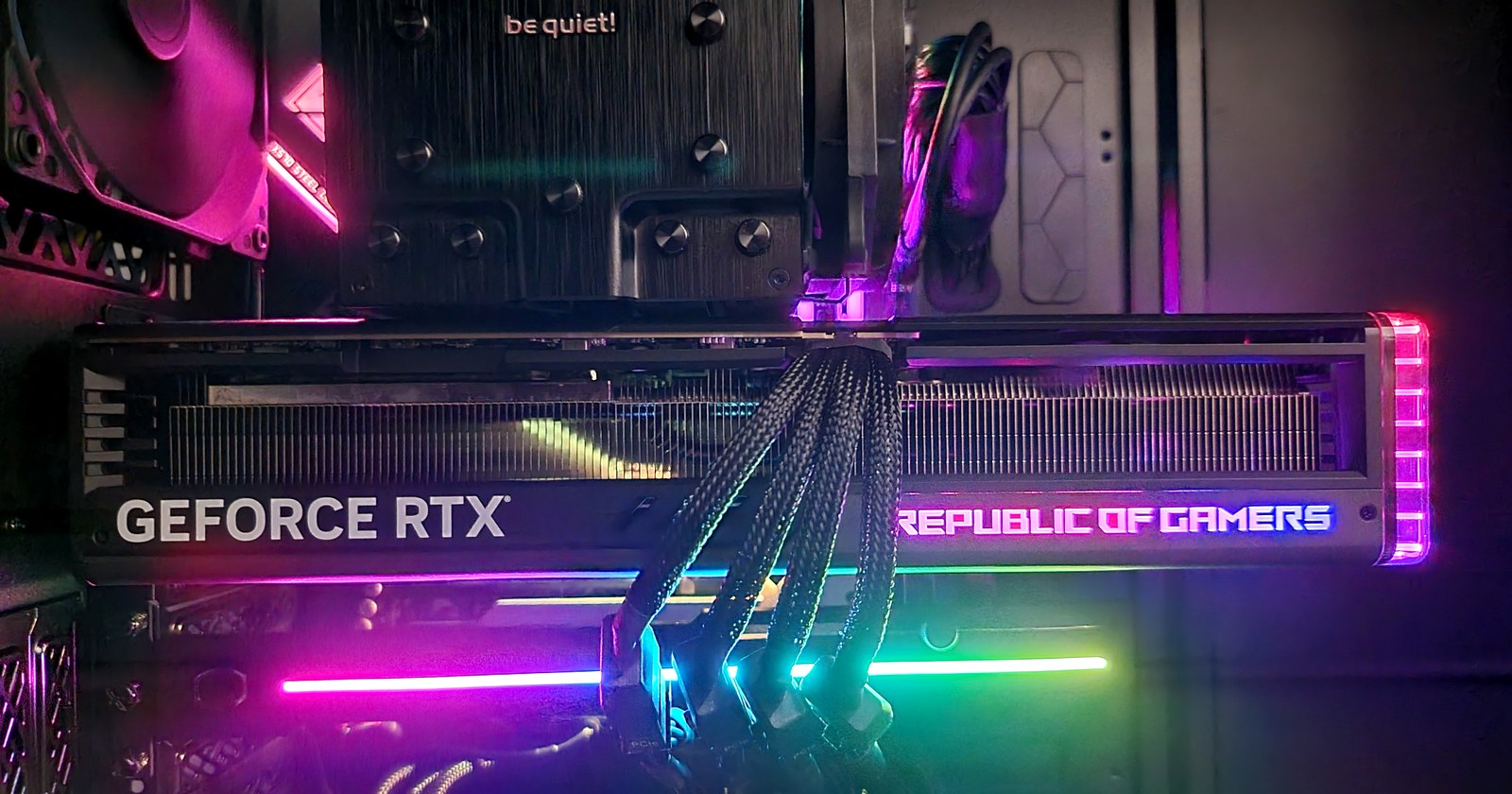
Putting Two Idle RTX 4090 Machines to Work: Local LLM Deployment Notes
Two idle machines with RTX 4090 GPUs should not be left unused. A single RTX 4090 only has 24GB of VRAM, so it will not run truly large frontier models, but it is more than enough for local model services, internal APIs, code assistants, and model evaluation.
This note records the process of turning those machines into usable local LLM servers. The goal was not to run a one-off demo. The goal was to build a stable local service that supports command-line testing, an OpenAI-compatible API, and later integration with tools such as Open WebUI, Continue, Cline, and agent workflows.
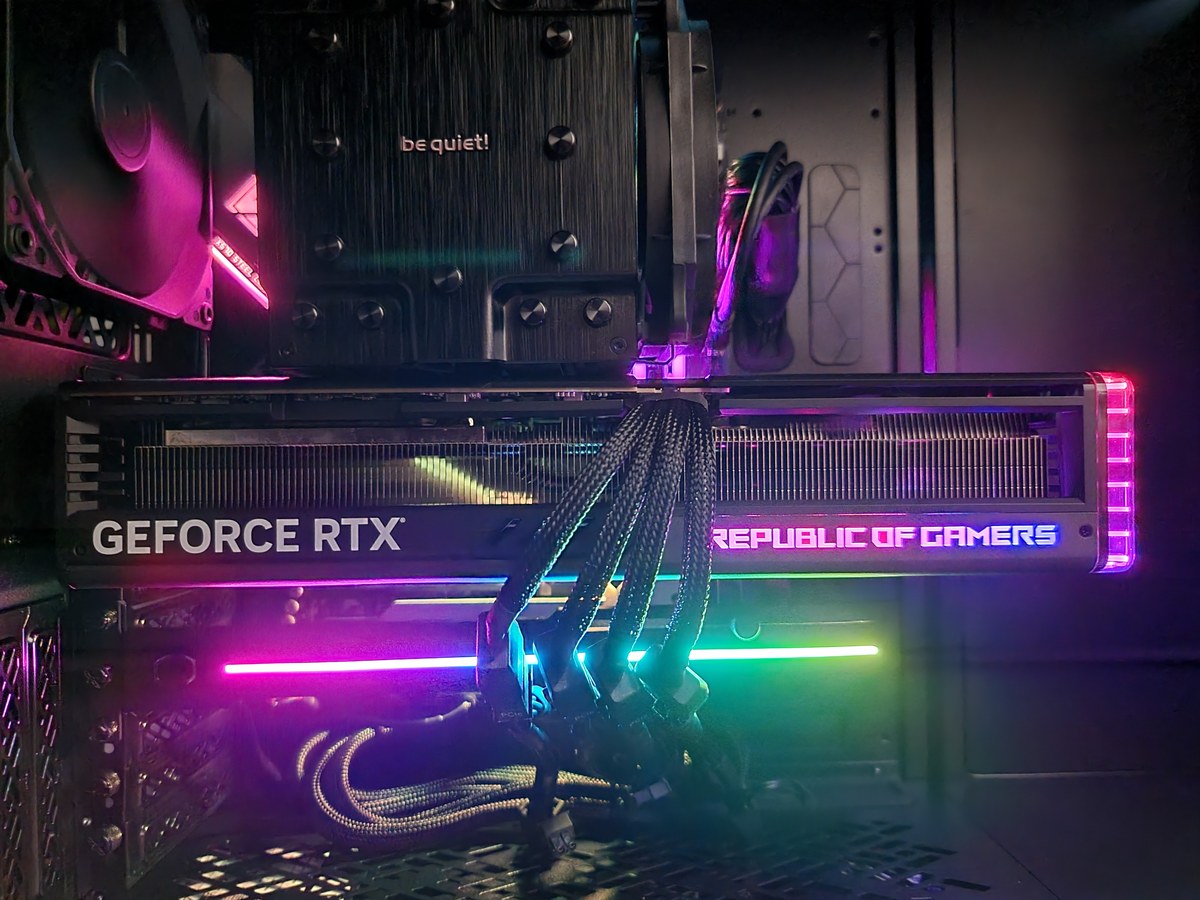
Test Machine
The first machine used for testing had the following setup:
| Item | Value |
|---|---|
| OS | Ubuntu 26.04 LTS |
| GPU | NVIDIA RTX 4090 |
| VRAM | 24GB |
| Runtime | Ollama |
| Planned runtime | llama.cpp with CUDA |
| API style | OpenAI-compatible HTTP API |
Ubuntu 26.04 LTS worked better than expected with the 4090. The NVIDIA driver, kernel module, nvidia-smi, and Docker GPU verification all behaved cleanly. Compared with earlier years of wrestling with NVIDIA drivers on Linux, this was almost boring, which is exactly what a server setup should feel like.
Basic GPU Verification
Before installing model software, I first verified that the GPU was visible:
nvidia-smiThe important fields were:
- driver version,
- CUDA version reported by the driver,
- GPU name,
- total VRAM,
- current memory usage,
- running processes.
For a local model server, this check is more important than it looks. Many later issues that seem like model problems are actually driver or device-visibility problems.
Installing Ollama
Ollama was the first runtime because it gives the shortest path from “empty machine” to “model serving API.”
After installation, I checked the service and pulled a few models:
ollama --version
ollama pull qwen3:30b
ollama pull qwen3-coder:30b
ollama pull deepseek-r1:32b
The reason for choosing 30B and 32B class models is simple: they are large enough to stress the 4090, but still realistic for 24GB VRAM under quantized formats.
Testing the API
For integration work, a browser chat UI is not enough. The server must be callable from scripts and applications.
A simple API test looks like this:
curl http://127.0.0.1:11434/api/generate \
  -H 'Content-Type: application/json' \
  -d '{
    "model": "qwen3:30b",
    "prompt": "Write a short explanation of why local LLMs are useful for developers.",
    "stream": false
  }'
For OpenAI-compatible clients, the /v1/chat/completions style endpoint is usually the more useful interface. Once that works, tools such as Continue, Cline, Open WebUI, and custom scripts can use the local model in the same shape as a hosted model API.
First-round Model Results
The first benchmark was not a formal MLPerf-style test. It was a practical usability test:
- Does the model load successfully?
- How long does cold start take?
- What token speed do we get?
- Does the server stay stable?
- Is the answer quality good enough for coding and analysis?
The first models tested were:
| Model | Why Test It |
|---|---|
qwen3:30b | General Chinese and English reasoning, daily assistant work |
qwen3-coder:30b | Code generation and code explanation |
deepseek-r1:32b | Reasoning-heavy output and long-form thinking |
The 4090 can handle these models well enough for interactive work, but the experience is not the same as a cloud frontier model. You should expect slower cold starts, limited context under local memory pressure, and occasional quality gaps. The benefit is locality, cost control, and the ability to integrate the model into private workflows.
About llama.cpp
llama.cpp is still worth keeping in the plan because it gives more control over model files, quantization, server options, and runtime behavior. In this round, Ollama was the working path, while CUDA-enabled llama.cpp needed more environment work.
That is a useful engineering lesson: when building infrastructure, keep one stable path running while exploring the more tunable path. Ollama gave a usable service quickly. llama.cpp can be optimized later without blocking the entire setup.
What This Setup Is Good For
An RTX 4090 local model server is useful for:
- code completion and code review assistance,
- internal document summarization,
- local RAG experiments,
- agent workflow testing,
- tool-calling experiments,
- cost-sensitive batch processing,
- private data workflows where external APIs are not appropriate.
It is less suitable for:
- very large model experiments,
- extremely long context workloads,
- production-grade high-concurrency serving,
- tasks that require frontier-level reasoning.
Practical Advice
Start with one runtime and one model. Make the API work. Add monitoring. Record token speed and memory usage. Only then add more models and clients.
For a single 4090, a useful model set is:
- one fast general model,
- one coding model,
- one reasoning model,
- one smaller fallback model for cheap batch tasks.
Do not install every popular model just because it fits on disk. Local model infrastructure becomes easier to maintain when each model has a clear job.
Final Takeaway
An idle RTX 4090 is not a toy. With a stable Linux setup and Ollama, it can become a practical local model server in a short time. It will not replace hosted frontier models, but it can handle many developer workflows at low marginal cost.
The most important step is not pulling the largest model. The most important step is turning the machine into a reliable service: GPU visible, runtime stable, API callable, model behavior measured, and integration path clear.
Follow ZiCode on WeChat
If this post was useful, you can follow later updates on WeChat as well.

X / Twitter
Follow @ax2_zicode
Faster technical notes, short thoughts, and new-post alerts are posted on X.
